
HSA/FSA Eligibility
Use your Health Savings Account (HSA) or Flexible Spending Account (FSA) debit card to purchase Solius Pro with pre-tax dollars.
Use your pre-tax dollars to experience personalized sunlight

01
Add Solius Pro to your cart and continue to checkout
02
At checkout, select "Check out as guest"
03
Choose “Pay with HSA/FSA funds” at checkout
04
Complete checkout through Truemed
If you're prompted by Shop Pay, tap "Pay another way" or "Check out as guest" to access HSA/FSA payment options.
Truemed is for qualified customers. HSA/FSA tax savings vary. Learn more at truemed.com/disclosures.




From the Truemed Blog
How to Increase Vitamin D Naturally: 4 Science-Backed Ways
Truemed’s guide to safe sun exposure, vitamin D–rich foods, and controlled UVB light therapy — including how Solius fits in and how HSA/FSA eligibility works.
Frequently asked questions
Why don't I see the Truemed HSA/FSA option at checkout?
Truemed only appears during guest checkout. If you're logged into Shop Pay or using an accelerated checkout method (Apple Pay, Google Pay, etc.), you won't see the Truemed payment option. From the checkout screen, select "Pay another way" or "Check out as guest" to proceed with your HSA or FSA card.
What is an HSA/FSA and what are the benefits?
An FSA (Flexible Spending Account) and an HSA (Health Savings Account) are tax-advantaged accounts for medical expenses, but differ in key aspects.
FSAs are employer-sponsored accounts that allow employees to use pre-tax dollars for medical expenses such as prescriptions and copays. They typically feature a "use-it-or-lose-it" policy where funds must be used within the plan year.
HSAs are available to those enrolled in a high-deductible health plan and offer greater flexibility, including the ability to roll over funds annually. HSAs also come with three notable tax benefits. The contributions made to HSAs reduce your taxable income and the money in an HSA account is allowed to grow tax-free. This includes any interest, dividends and capital gains earned from investments made with HSA monies. In addition, withdrawals from HSAs are not subject to taxes when the distribution is spent on qualified expenses.
Which Solius products are HSA/FSA eligible?
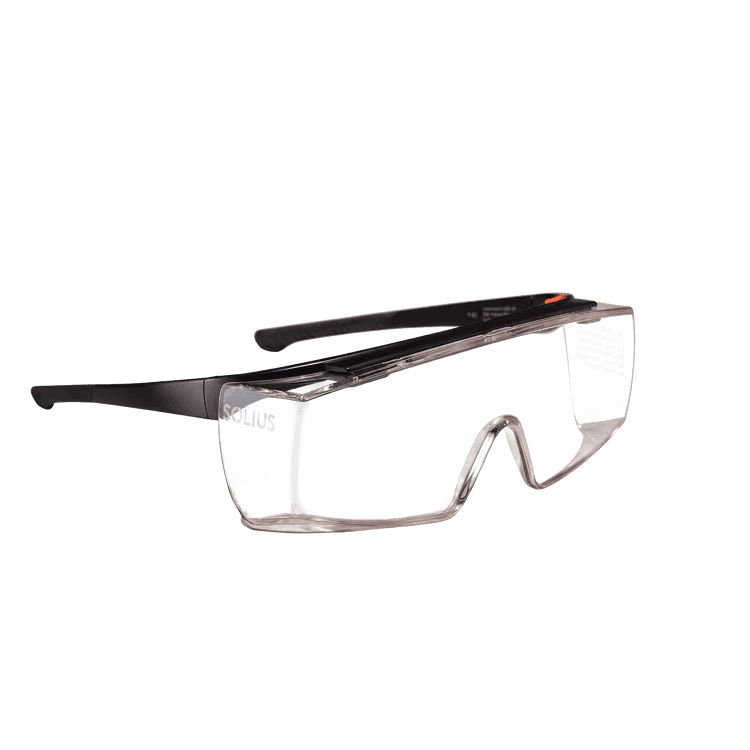
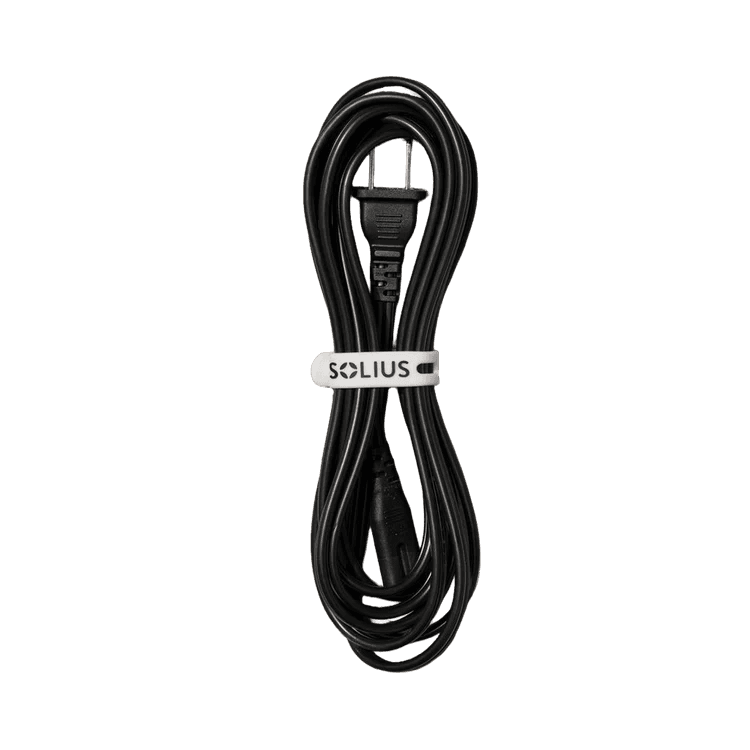
The Solius Pro light panel, power cord, skin measurement cone, complete hanging system, and protective eyewear are all HSA/FSA eligible.
Solius Home Memberships are not HSA/FSA eligible. To purchase a Solius Pro device with HSA/FSA, select the Solius Pro purchase option that does not include the membership. Memberships can be purchased separately in the Solius app.
How do I pay with my HSA or FSA card?
To use your HSA or FSA debit card on solius.com, add products to your cart as usual. At checkout, select “Truemed - Pay with HSA/FSA” as your payment option, enter your HSA or FSA debit card, and complete your checkout as usual.
What if I don’t have my HSA/FSA card available?
If you don’t have your HSA or FSA card handy, you can still select “Truemed - Pay with HSA/FSA” as your payment method. Enter your credit card information and Truemed will email you an itemized receipt to submit for reimbursement, as long as the product is eligible.
Why was my HSA or FSA card rejected?
Like any credit or debit card, HSA/FSAs can be declined if any of the data from the card is incorrect (number, expiration date, zip code, etc). Truemed will alert you at checkout if any of these fields is missing or incorrect so you can update them. The most common reason for rejection of the card is insufficient funds. Reach out to your HSA or FSA provider to verify the amount of money in your account before attempting to complete your purchase again.
If you're using Shop Pay or are logged into an accelerated checkout, Truemed won't appear as a payment option. Return to the cart and choose "Check out as guest" to complete your HSA/FSA purchase.